What Are Secrets Management Tools and Why They Matter in 2026
A secret is any bit of code, text, or binary data that provides access to a resource that should be restricted: VCS credentials, database passwords, CI/CD tokens, API keys, etc. Almost every software development process involves them.
There are three main elements to effective secrets management:
- How do you make secrets available to the people and resources that need them?
- How do you manage the lifecycle and rotation of your secrets?
- How do you scan to ensure secrets are not accidentally exposed?
We'll focus on elements one and two in this article. For element three, we're biased toward GitGuardian because we make it. Accidentally exposed secrets give attackers a foothold even if they don't unlock everything, so secrets scanning belongs in your secrets management strategy.
The stakes have never been higher. Our GitGuardian State of Secrets Sprawl 2026 report found almost 29 million new secrets exposed in public GitHub commits in 2025—a 34% year-over-year increase—with AI-service credential leaks growing 81% in the same period.
In addition, internal repositories are six times more likely than public ones to contain at least one hardcoded secret. The proliferation of non-human identities (NHIs) has made the secrets management problem significantly harder than it was even two years ago.
What to Look for in a Secrets Management Tool
First, we need to distinguish key management systems from secrets managers.
Key management systems generate and manage cryptographic keys. Secrets managers store encryption keys, passwords, connection strings, and more. These software tools then encrypt them and provide secure access to personnel and infrastructure. AWS KMS and AWS Secrets Manager (discussed below), for example, are related but distinct brand names for Amazon.
A centralized secrets management tool should offer:
- Encryption in transit and at rest: Sensitive data is never stored or transmitted unencrypted.
- Automated secrets rotation: The tool can request changes to secrets and update them in its files in an automated manner, and on a set schedule.
- Single source of truth: Secrets are updated in real time as keys are rotated.
- Role/identity scoped access: Different systems or users are granted access to only the secrets they need under a principle of least privilege access.
- Seamless integrations and SDKs: The service has APIs with officially blessed software to connect common resources like CI/CD systems or implement access in your team's programming language/framework of choice.
- Logging and auditing: The ability to check your systems for anomalies and post-incident investigation on a regular basis, to make storing secrets easier.
- Budget and scope appropriate: The ability to only pay for what you need.
- NHI and AI agent support: Access to scoped machine accounts, short-lived credentials, and agent-specific vaults for autonomous workloads.
- Short-lived and dynamic credentials: On-demand credential generation via OIDC or dynamic secrets engines to reduce blast radius by a significant amount.
- Exposure detection integration: A vault that protects secrets correctly, with zero visibility into secrets that escape into source code, logs, or collaboration tools.
How to Choose the Best Secrets Management Tool for Your Environment
The right secrets management tool depends on your infrastructure, team size, compliance requirements, and how much operational burden you're willing to carry.
Here are a few key considerations before you decide on a solution:
- Cloud-native on a single cloud: AWS Secrets Manager, GCP Secret Manager, or Azure Key Vault
- Multi-cloud or hybrid: HashiCorp Vault, Infisical, Akeyless, or Doppler
- Open source is a priority: Infisical, OpenBao, SOPS, or Bitwarden Secrets Manager
- Kubernetes-heavy: External Secrets Operator paired with any central vault, or HashiCorp Vault Secrets Operator
- GitOps workflows: SOPS for file-based encryption, or ESO if you prefer a centralized vault with Kubernetes-native sync
- Scaling AI agents and NHIs: Infisical Agent Vault, Akeyless, or Teleport Machine ID
- Regulated industries: CyberArk Conjur, HashiCorp Vault, Keeper Secrets Manager (FedRAMP High) or or AWS Secrets Manager
- Developer experience and speed: Doppler, Infisical, or 1Password Secrets Automation
Secrets Management Platforms Comparison Table
The Top 16 Secrets Management Tools and Solutions for 2026
Enterprise and Cross-Cloud Secrets Management Tools
CyberArk Palo-Alto Conjur
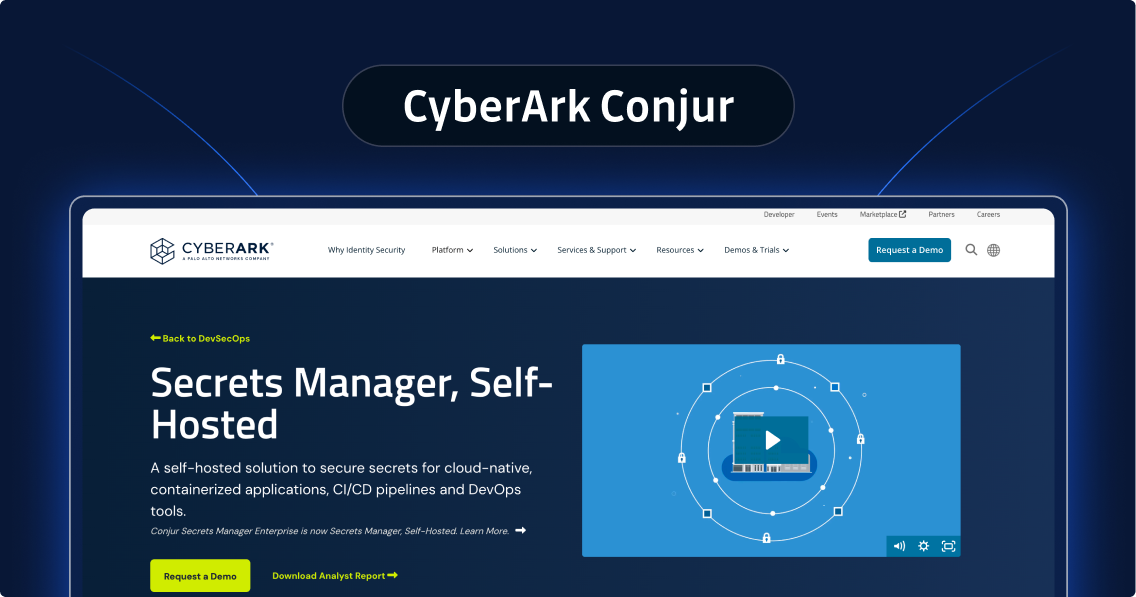
Conjur was founded in 2011 and acquired by CyberArk in 2017. It has since grown into one of the top secrets management solutions for enterprise environments, offering both a self-hosted version and Conjur Cloud, a fully managed SaaS option that removes vault infrastructure overhead.
RBAC and multiple authentication mechanisms make onboarding straightforward using existing integrations for Ansible, AWS CloudFormation, Jenkins, GitHub Actions, Azure DevOps, and more. Secret access scopes to the exact developer role or system that needs it, so a developer testing locally gets a test database connection string, while the production app gets production credentials.
GitGuardian and CyberArk have partnered to integrate Conjur Cloud with GitGuardian's secrets detection capabilities, including HasMySecretLeaked. The open-source integration automatically detects leaked secrets and triggers rotation or remediation workflows inside Conjur. GitGuardian also integrates with Conjur through its multi-vault integration suite for centralized NHI visibility.
HashiCorp Vault
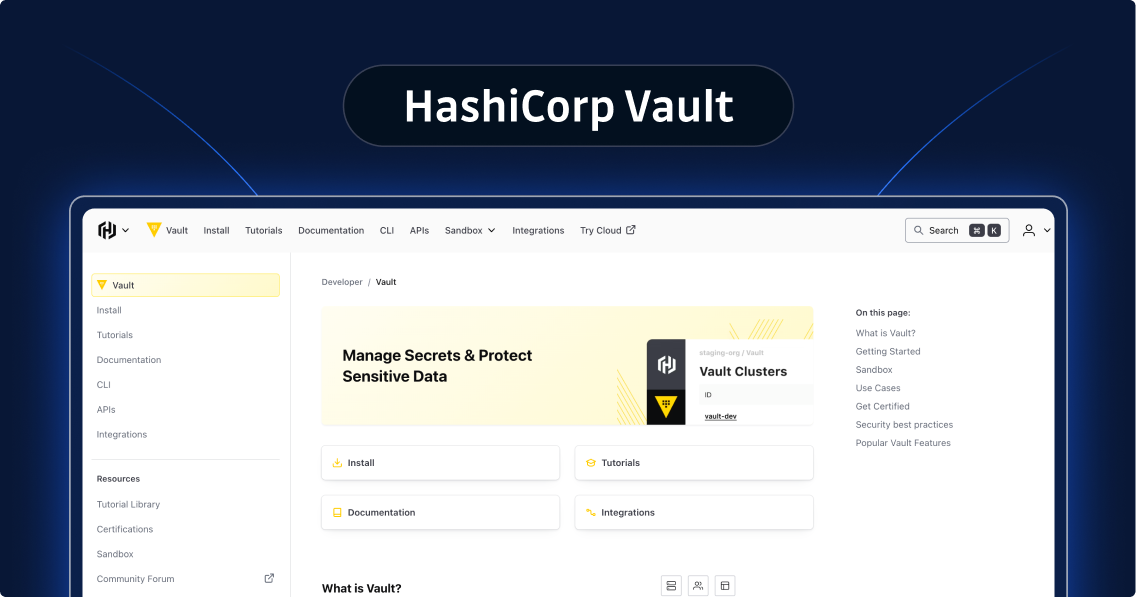
HashiCorp Vault remains one of the most feature-complete secrets management solutions available. It offers dynamic secrets, PKI, data encryption, tokenization, and 75+ integrations alongside its core secrets vault. It's also one of the few tools with its own training and certification path.
There are two things you should know before you commit: HashiCorp changed Vault's license from MPL 2.0 to BSL 1.1 in 2023, which restricts competitive use. IBM then acquired HashiCorp for $6.4 billion in February 2025, making Vault an IBM product. If your team is uncomfortable with these terms, it should evaluate OpenBao (see below).
For HashiCorp Vault, the free tier covers up to 25 secrets, but the managed cloud offering (HCP Vault Dedicated) starts at roughly $1,100/month, which is expensive for some brands.
Akeyless
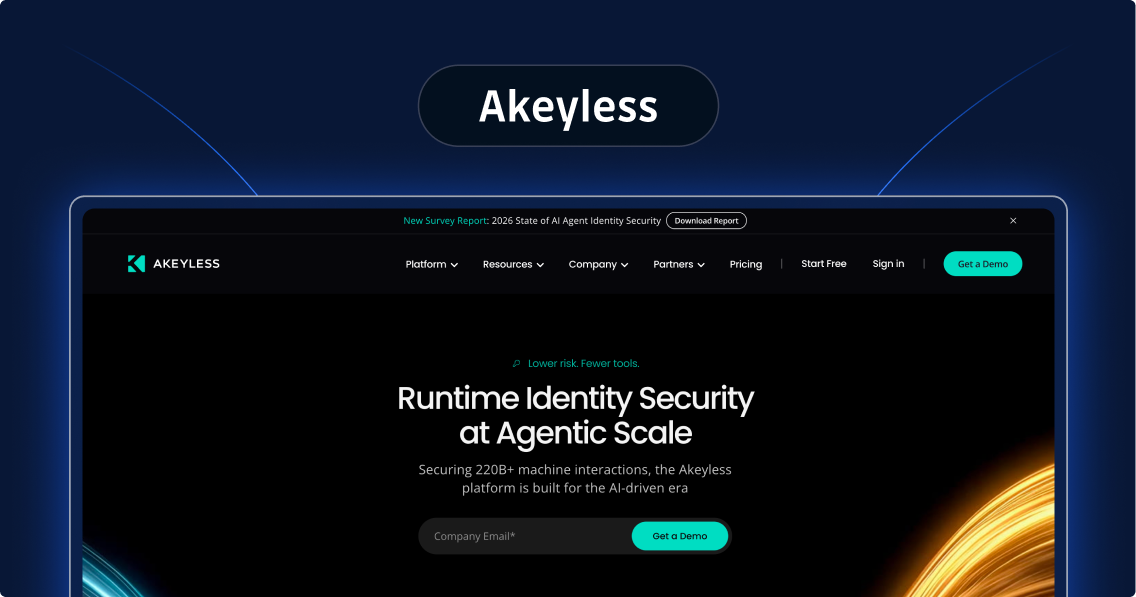
Akeyless differentiates with a vaultless architecture. Rather than a central vault database, it uses Distributed Fragments Cryptography (DFC), splitting cryptographic material across independent nodes so no single point ever holds a complete secret. This eliminates single-point-of-failure risk and simplifies multi-cloud deployments.
Feature-wise, it covers the full checklist: Encryption at rest and in transit, just-in-time zero trust access, automated rotation, short-lived credentials, 14 authentication methods, 7 SDKs, and dozens of integrations from Azure to MongoDB.
The free tier includes 3-day log retention, which is a paid-only feature on many competing platforms. GitGuardian integrates directly with Akeyless through its multi-vault suite.
Doppler
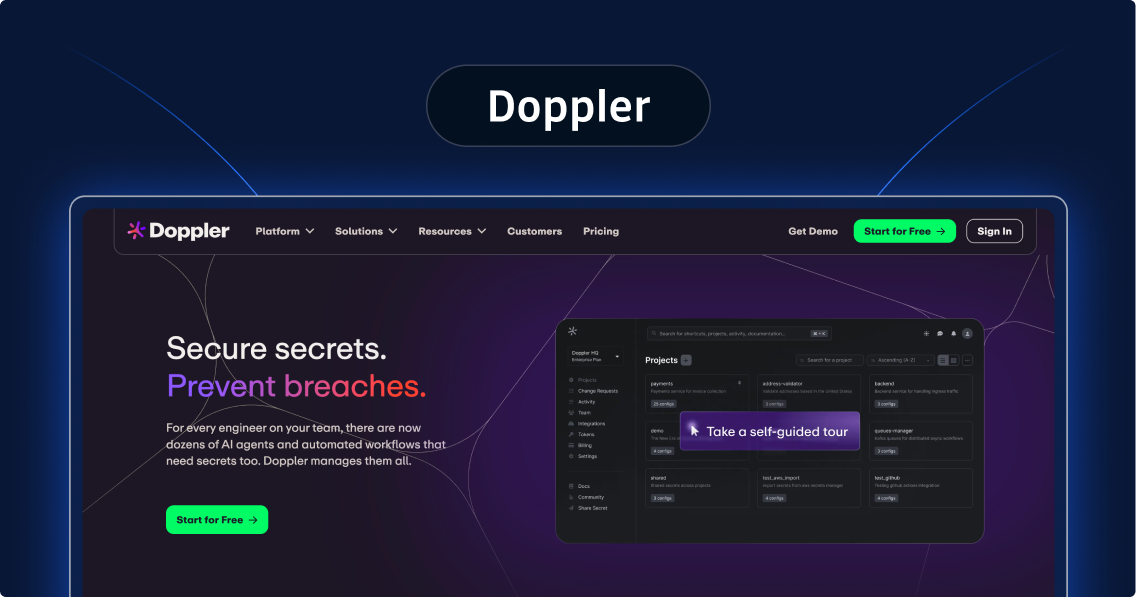
Doppler is a standalone, cloud-provider-agnostic secrets manager that competes purely on merit. It offers logging, auditing, encryption at rest and in transit, SOC compliance, and a long list of integrations (with an SDK selection that beats Azure's).
Its approach relies on environment variable injection, which simplifies a lot of application code. The trade-off: Environment variables can surface in run logs or crash dumps, so understanding how each integrated system handles them is part of the adoption curve.
1Password
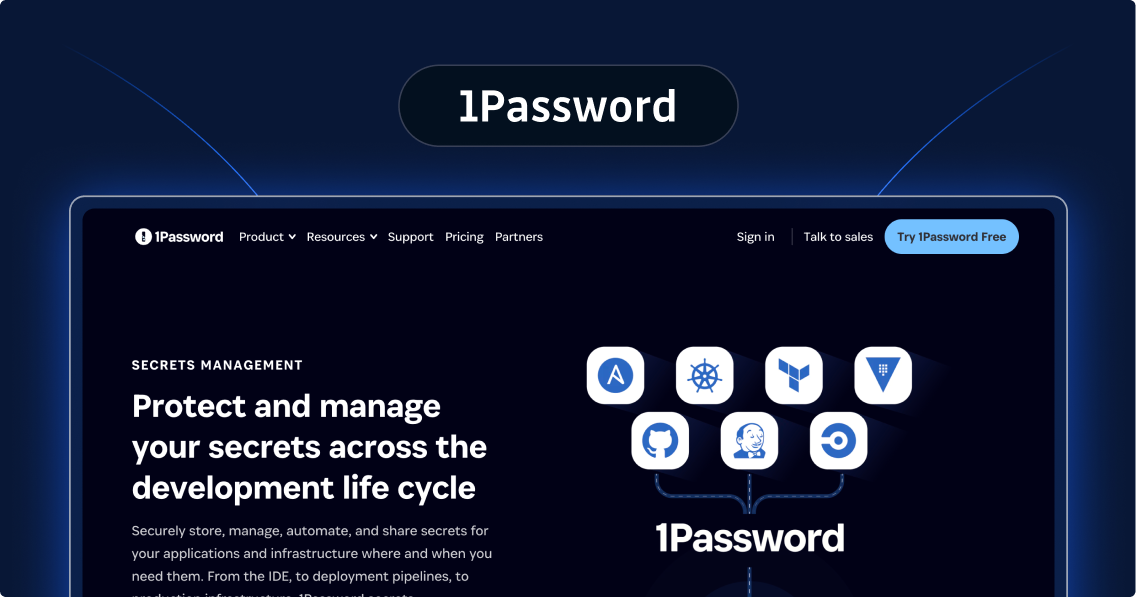
1Password Secrets Automation is the developer-facing layer of the 1Password platform, and its standout feature is .env file references. Instead of committing secrets to .env files, developers commit references that load values from 1Password at runtime, combining a familiar format with strict access controls.
Integration coverage is narrower than some competitors, but it includes the major Kubernetes and CI/CD options. Its library of shell plugins for securing local CLI access, which eliminates plaintext credentials from ~/.aws and similar directories, is one of the most distinctive developer-experience features on the market.
Keeper Secrets Manager
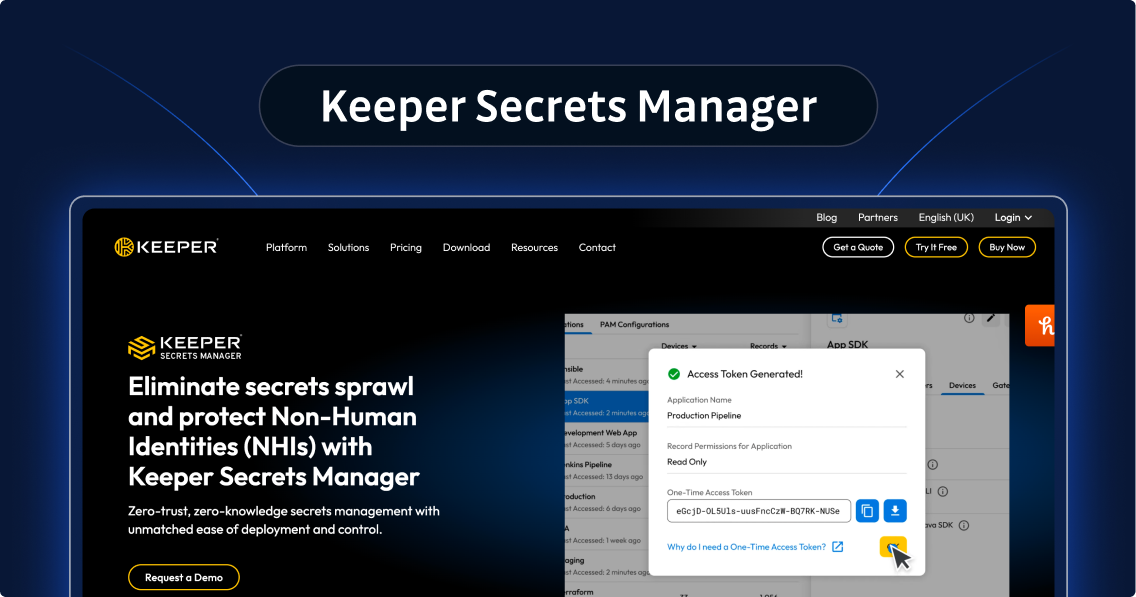
Keeper Secrets Manager is the DevOps-focused layer of the KeeperPAM platform, built for teams in regulated industries. It holds FedRAMP High and GovRAMP High authorization, SOC 2 Type II compliance, and ISO 27001/27017/27018 certifications. Plus, it was recognized in the 2025 Gartner Magic Quadrant for Privileged Access Management.
The zero-knowledge architecture means all encryption and decryption happens client-side, so Keeper's servers never hold unencrypted data. Native integrations cover GitHub Actions, GitLab CI, Jenkins, and major cloud platforms, with enterprise SSO and SCIM support for provisioning.
KeeperPAM offers both PAM capabilities and secrets management. As such, its offering simplifies operations for compliance-heavy environments in a meaningful way.
Cloud-Native Secrets Management Tools
AWS Secrets Manager
AWS Secrets Manager is the natural choice for AWS-native workloads, and it extends further than that: IAM Roles Anywhere and the Secrets Manager Agent let workloads outside AWS, including on-premises servers and other clouds, authenticate and retrieve secrets without long-lived credentials.
Native credential management covers the most common secrets use case. Secrets Manager rotates and manages credentials for RDS, Aurora, Redshift, DocumentDB, and ElastiCache with zero-code managed rotation. Managed External Secrets (MES), launched in November 2025, extends the same zero-code rotation model to third-party SaaS credentials, such as Salesforce.
Beyond rotation, the service supports cross-account policies, multi-region replication, EventBridge and Config rule integrations, and native secret injection for ECS and EKS, across more than 55 service integrations. CI/CD coverage includes GitHub Actions, GitLab, and Bitbucket via OIDC, plus Terraform, the AWS CDK, CloudFormation, CodeBuild, and seven language SDKs. Multi-region replicas cost the same $0.40/secret/month base rate as a primary secret, not a premium add-on.
Secrets Manager is in scope for SOC 1, SOC 2, SOC 3, PCI DSS, HIPAA, FedRAMP High, ISO 27001, ISO 27017, ISO 27018, IRAP, C5, and more than 143 other compliance programs.
GitGuardian integrates with AWS Secrets Manager through its multi-vault integration suite for centralized NHI visibility.
GitGuardian and AWS have partnered to bring secrets detection together with AWS Secrets Manager, correlating vault inventory with real-time code exposure so teams can detect, prioritize, and remediate leaked credentials. GitGuardian also integrates with Secrets Manager through its multi-vault solution for centralized NHI visibility. Read more in our joint AWS Partner Network post.
Google Cloud Secret Manager
GCP Secret Manager covers the expected feature set: Encryption at rest and in transit, CLI and SDK access, IAM-based permissioning, audit trails, and CI/CD integrations with GitHub Actions and Terraform. Plus, client libraries support eight popular languages.
Additionally, Workload Identity Federation lets external workloads authenticate to GCP using their existing identity provider, no service account keys required.
Whether you choose GCP Secret Manager over AWS or Azure usually comes down to where you've already made investments in your company's infrastructure.
If this interests you, we've got some tips on using Google Cloud Secret Manager.
Azure Key Vault
Azure Key Vault leads with FIPS 140-2 compliance and Hardware Security Module support, which makes it the default choice for Microsoft-invested organizations with government or government-adjacent compliance requirements. Also, the Managed HSM tier provides a dedicated single-tenant hardware module for stricter key management needs.
Pair Key Vault with Azure Managed Identities for the recommended pattern: Azure workloads authenticate to Key Vault without any credentials in application code.
Official client libraries cover Java, .NET, Spring, Python, and JavaScript. This is thinner than AWS or GCP but sufficient for most .NET shops.
If this interests you, we've got some tips on using Azure Key Vault.
Open Source Secrets Management Tools: Community-Driven Security Solutions
Infisical (MIT)
Infisical has expanded beyond a secrets vault into a full identity security platform. The core offering covers secrets storage and injection (environment variable-based, similar to Doppler), secrets rotation, over 20 cloud integrations, 9 CI/CD integrations, PKI, and PAM. Its MIT license and self-host option make it the strongest open-source multi-cloud option on this list.
The most significant new addition is Agent Vault, which is a purpose-built, open-source credential proxy for AI agents. Traditional secrets management assumes an application fetches a credential and uses it. That model breaks when an agent can be manipulated via prompt injection to leak anything it can read. Agent Vault is currently in research preview.
Infisical also offers secrets scanning. Book a demo with GitGuardian to see why we're better.
OpenBao (MPL 2.0)
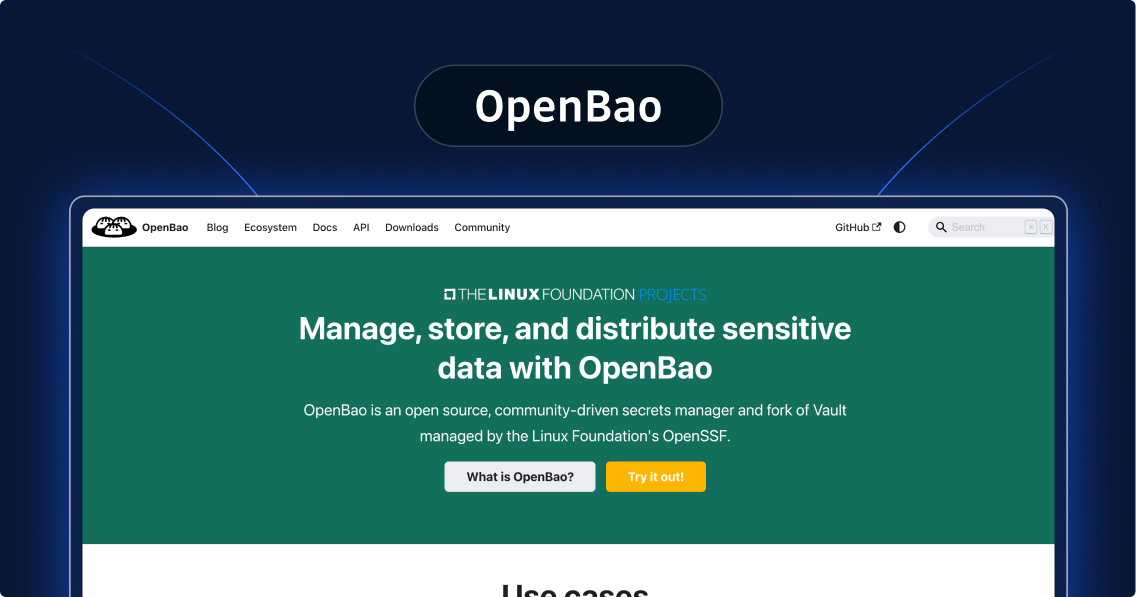
OpenBao is the community's direct response to HashiCorp's 2023 BSL relicensing—forked from Vault 1.14.0, the last MPL 2.0 release, and governed by the Open Source Security Foundation (OpenSSF). It maintains API compatibility with older Vault versions, making migration from self-hosted Vault straightforward for most teams.
GitLab adopted OpenBao as its native CI/CD secrets manager and holds a Technical Steering Committee seat. The project has many active contributors and thousands of GitHub stars.
Notably, Namespaces (multi-tenancy) and horizontal read scalability (Enterprise-only in HashiCorp Vault) are included in the free OpenBao core.
The main trade-off? No managed cloud offering, so you're running your own infrastructure.
SOPS (MPL 2.0)
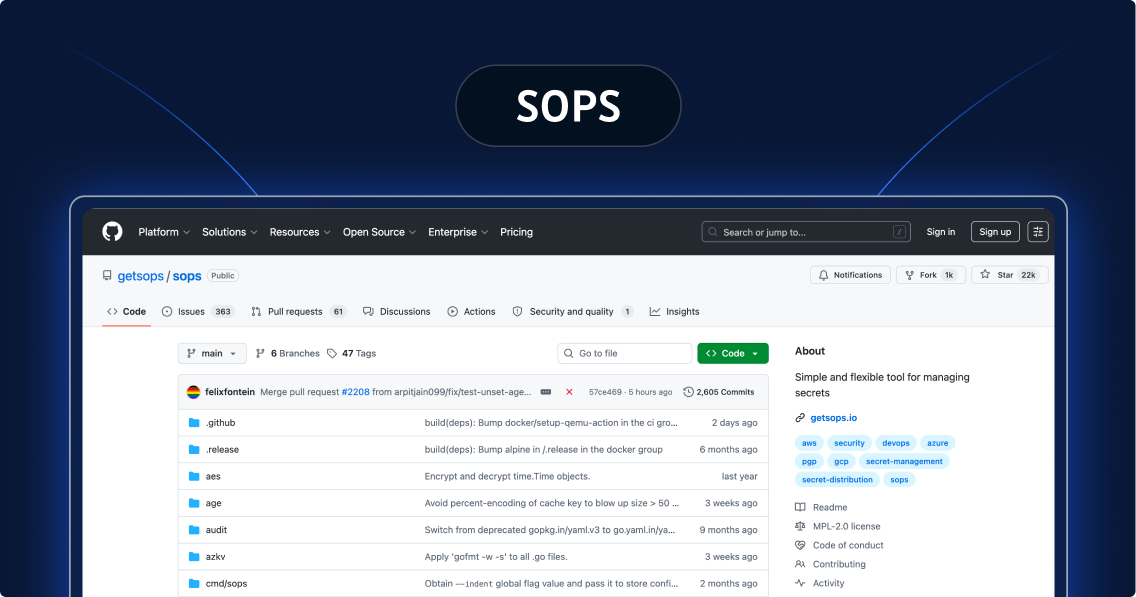
SOPS (Secrets OPerationS) takes a fundamentally different approach.
Rather than a centralized vault, it encrypts the values in YAML, JSON, ENV, and INI files while leaving keys in plaintext. That way, diffs stay readable, merge conflicts stay manageable, and secrets can live in Git alongside the manifests they belong with.
Originally built at Mozilla and now CNCF-adopted under MPL 2.0, SOPS encrypts using AWS KMS, GCP KMS, Azure Key Vault, age, or PGP with no cloud lock-in. Flux CD supports SOPS natively, while Argo CD supports it via the KSOPS plugin for Kustomize or the helm-secrets plugin for Helm.
Choose SOPS when secrets should travel with infrastructure code in Git, and you don't want to add another centralized service to your stack.
External Secrets Operator (Apache 2.0)
External Secrets Operator (ESO) solves a specific problem: Your secrets live in an external vault, but your applications need them as native Kubernetes Secrets. ESO bridges that gap, syncing from AWS Secrets Manager, GCP Secret Manager, Azure Key Vault, HashiCorp Vault, OpenBao, Akeyless, CyberArk, and more into Kubernetes on a configurable schedule.
A CNCF Sandbox project licensed under Apache 2.0, ESO decouples applications from secrets lifecycle management. As such, pods consume standard Kubernetes Secrets without knowing where those secrets actually live. For multi-cloud Kubernetes environments, a single ESO deployment can sync from multiple external providers simultaneously.
Think of ESO as the glue between a central vault and the clusters that need its secrets.
Bitwarden Secrets Manager
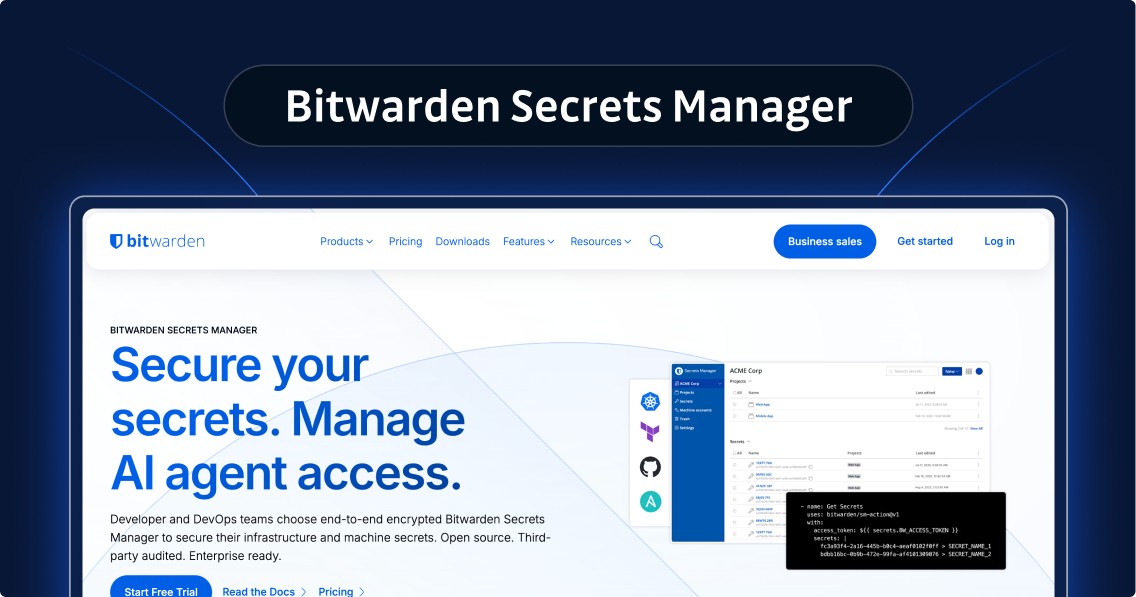
Bitwarden Secrets Manager extends the trusted Bitwarden password manager into DevOps infrastructure. If your team already uses Bitwarden, this is the natural expansion.
It uses the same platform, vendor, and zero-knowledge encryption model, so all encryption happens client-side, and Bitwarden's servers never hold unencrypted data.
The product is CLI-first. Put simply, the bws CLI injects secrets directly into pipelines, with native integrations for GitHub Actions, GitLab CI/CD, and Jenkins. Meanwhile, machine accounts scoped per project limit the pipeline to only the secrets it needs, and every access event is timestamped in a full audit log. A Kubernetes Operator syncs secrets into cluster namespaces.
Bitwarden Secrets Manager is best suited for teams that want a straightforward, open-source-backed solution without self-hosted vault complexity.
Workload Identity and Kubernetes Secret Management Tools
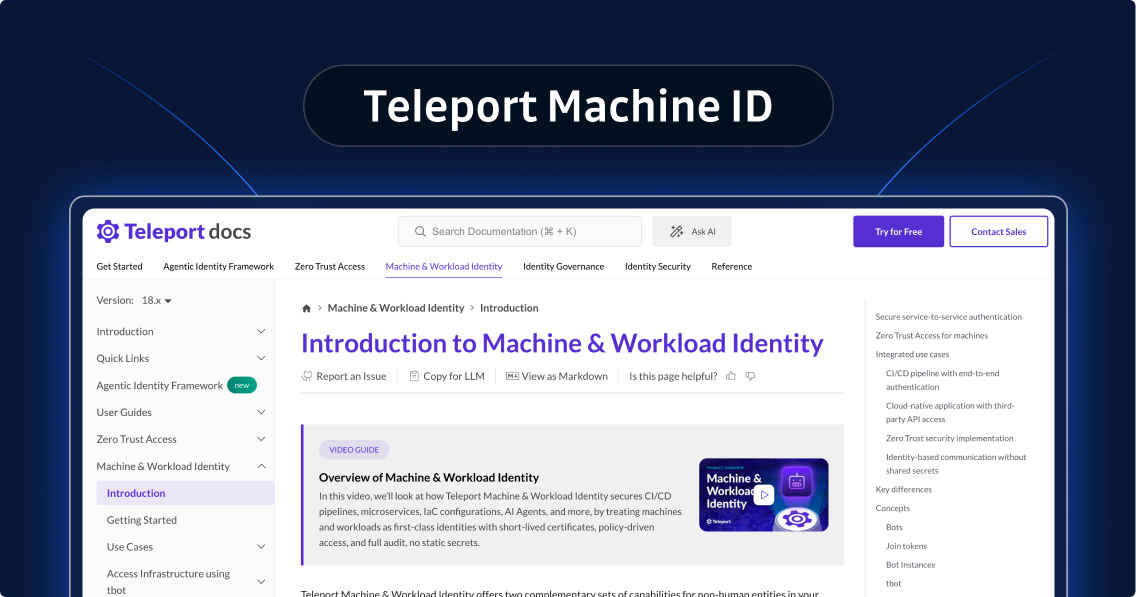
Teleport Machine ID eliminates static credentials instead of storing them securely.
Each CI/CD job or workload receives a short-lived X.509 certificate or JWT-SVID (SPIFFE-compatible) at runtime that expires automatically when the job completes. As such, credentials never rotate or leak, and companies never forget to revoke permissions.
Native integrations cover GitHub Actions, GitLab CI, CircleCI, Jenkins, Azure DevOps, and Spacelift. And for cloud authentication, workloads use short-lived JWTs to authenticate to AWS, GCP, and Azure without static credentials.
Plus, SPIFFE/X.509 identities enable mutual TLS across services and trust domains. And as AI agents become production infrastructure, Teleport's model extends there, too. Agents receive scoped, ephemeral identities rather than broad API keys.
Teleport Machine ID was purpose-built for teams adopting zero-standing-credentials patterns.
Pulumi ESC
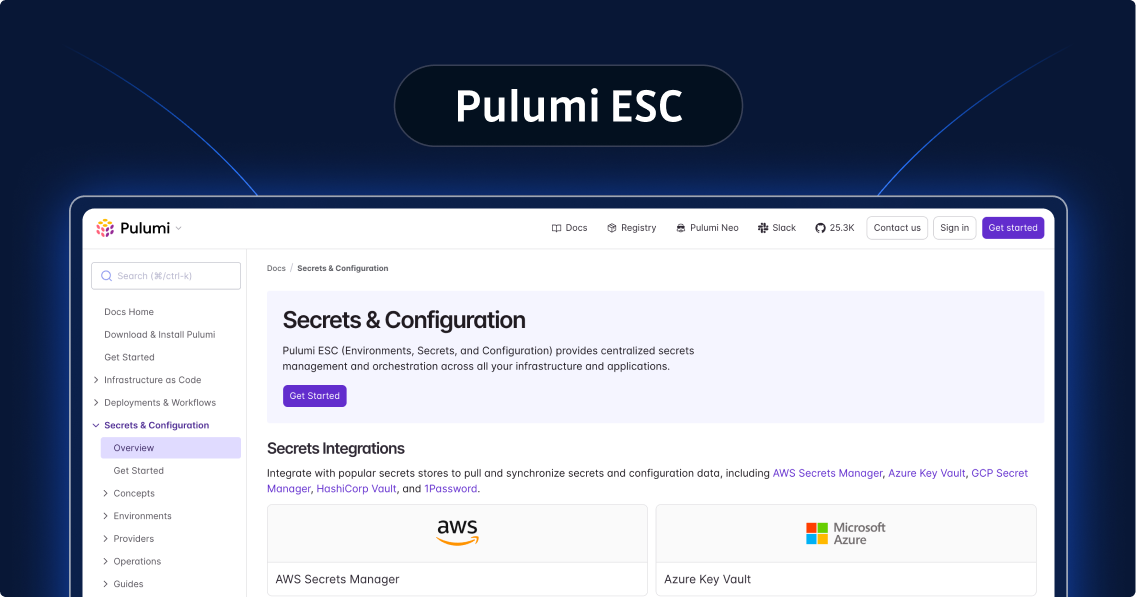
Pulumi ESC (Environments, Secrets, and Configuration) is built for DevOps teams already using Pulumi for infrastructure-as-code. Its core concept is environments-as-code: Hierarchical YAML environments that cascade from base configurations through dev, staging, and production, eliminating the manual copying that causes secrets sprawl.
ESC pulls secrets dynamically from AWS Secrets Manager, Azure Key Vault, GCP Secret Manager, HashiCorp Vault, and 1Password via OIDC—short-lived credentials, no plaintext secrets in pipelines. SDKs cover Python, TypeScript/JavaScript, and Go. Automated rotation for AWS IAM keys and database credentials (PostgreSQL, MySQL) launched in 2025.
If your team doesn't use Pulumi for IaC, the value proposition is much weaker. If you do, ESC is worth evaluating before you reach for a standalone secrets manager.
Secrets Management Tools for Multi-Cloud Infrastructure
Multi-cloud environments require a cloud-agnostic secrets manager as a single source of truth. That means one API, consistent RBAC, and unified auditing across all providers. Why? Cloud-native tools create fragmentation when your infrastructure spans AWS, GCP, and Azure simultaneously.
HashiCorp Vault generates short-lived credentials on demand for each cloud provider via dynamic secrets engines. It's the most capable option, but requires the highest operational burden. Akeyless uses its Universal Secrets Connector to present a unified interface across all cloud providers, with no vault database to replicate across regions.
Then there's Infisical, which offers native integrations across all three major clouds plus Kubernetes and CI/CD, with a single audit trail. Doppler maintains cloud-provider agnosticism as a first principle, so secrets sync wherever your applications run.
Here's our general rule: Use cloud-native tools for cloud-specific workloads when necessary. But run your multi-cloud platform as the single source of truth.
Kubernetes Secrets Management Tools: Container-Native Approaches
Kubernetes Secrets are base64-encoded, not encrypted, in etcd by default. Reaching your control plane means reading them. Tightening that posture requires deliberate tooling.
External Secrets Operator is the de facto standard for syncing from an external vault into Kubernetes Secrets. HashiCorp Vault Secrets Operator is the official option for Vault-standardized teams. Sealed Secrets encrypts Kubernetes Secrets for safe Git storage, which is the right pattern when all cluster states must live in a repository.
SOPS covers the same GitOps use case with more flexibility around encryption backends and file formats. And Cloud-native workload identity (AWS IRSA, GCP Workload Identity, Azure Managed Identity) should be the preferred authentication pattern for workloads accessing cloud resources because they eliminate static cloud credentials entirely.
For most Kubernetes teams, ESO plus a central vault handles the majority of use cases. Only add SOPS or Sealed Secrets if your secrets have to live in Git.
Open Source vs Commercial Secrets Management Tools: How to Decide
There are many trade-offs to consider between open source and commercial secrets management tools. A few of the most important ones include:
- Cost: Open-source tools (Infisical, OpenBao, SOPS, Bitwarden, ESO) are free to self-host. But self-hosting carries real engineering overhead for deployment, monitoring, patching, and incident response that commercial tools absorb into their pricing.
- Licensing clarity: Truly open licenses, like MIT, MPL 2.0, and Apache 2.0, allow unrestricted use and modification—including for commercial purposes. BSL 1.1 (HashiCorp Vault) restricts competitive use. If license clarity is a hard requirement, stick to OSI-approved licenses.
- Compliance certifications: FedRAMP, SOC 2, ISO 27001, PCI DSS programs require significant ongoing investment that open-source projects rarely undertake. If certifications are a procurement requirement, your list shortens to CyberArk, Keeper, AWS/GCP/Azure native tools, and Akeyless.
We'll make it simple for you: Choose open source when your team has the operational expertise to run infrastructure securely, and licensing flexibility matters. Choose commercial when you need vendor support SLAs, compliance certifications, or a managed cloud option.
Best Secrets Management Tools for DevOps and CI/CD Pipelines
CI/CD pipelines are among the highest-risk environments for secrets exposure.
GitGuardian's 2026 report found that 59% of compromised machines in the Shai-Hulud 2 supply chain attack were CI/CD runners, not developer workstations.
Three patterns define the best secret management tools for DevOps:
OIDC-based pipeline authentication eliminates static credentials from CI/CD. The pipeline authenticates via an OIDC token, gets a short-lived IAM role, and accesses secrets without any long-lived credentials. GitHub Actions, GitLab CI, and most modern CI platforms support this. AWS Secrets Manager via IRSA, HashiCorp Vault, and Infisical all support it natively.
Runtime secrets injection keeps secrets out of environment variable dumps and build artifacts. Doppler and Infisical both inject at the point of use. Teleport Machine ID goes further by issuing an ephemeral cryptographic identity rather than injecting secrets at all.
Scoped machine accounts, available in Bitwarden Secrets Manager, Infisical, and most enterprise platforms, give each pipeline its own credential, but limit it to only what's needed.
We suggest Doppler and Infisical for developer experience, AWS Secrets Manager for AWS-native pipelines, and HashiCorp Vault for complex multi-cloud requirements.
Secrets Management for Non-Human Identities and AI Agents
The NHI problem is the most significant shift in secrets management in 2026.
Modern infrastructure creates non-human identities, like CI/CD bots, Terraform runners, microservice accounts, and AI agents, faster than any manual process can track them. In fact, at GitGuardian, we found that AI-service credential leaks grew 81% year-over-year in 2025, driven by rapid AI tool adoption without equivalent security controls.
AI agents introduce a specific risk that traditional secrets management wasn't designed for: Agents can be manipulated via prompt injection to leak any credentials they can read. To prove this point, OWASP ranks prompt injection first in its Top 10 for LLM Applications 2025.
Infisical Agent Vault is a purpose-built credential proxy that sits between the agent and the secrets it needs, enforcing access controls at the agent level. Teleport Machine ID approaches the same problem from the identity layer. Agents receive scoped, ephemeral cryptographic identities rather than static credentials. Then there's Akeyless and HashiCorp Vault, which both support dynamic secrets and short-lived credentials for NHIs at enterprise scale.
Here's the thing: Vaults can't detect credentials that have already escaped into source code, CI/CD logs, MCP configuration files, or collaboration tools. Our GitGuardian research from 2026 found 24,008 unique secrets exposed in MCP configuration files alone, and 28% of secrets sprawl incidents originate entirely outside code repositories. To clarify, vaults govern the secrets you already manage correctly. GitGuardian finds the secrets that got away.
Enterprise Secrets Management at Scale
Enterprise-scale secrets management demands capabilities that go beyond basic credential storage. We're talking about hierarchical access controls, multi-tenancy, integration with Active Directory or LDAP, audit trails aligned to SOX, HIPAA, or PCI-DSS, and disaster recovery across geographic regions. Operational scalability, which requires self-service for dev teams, automated onboarding, and ticketing integrations, matters as much as technical throughput.
For compliance-heavy environments:
- CyberArk Conjur: Deep enterprise IAM integration, PAM capabilities, and the GitGuardian partnership for detection-to-remediation workflows.
- HashiCorp Vault Enterprise: Most feature-complete commercial option for PKI, dynamic secrets, and encryption-as-a-service at scale.
- Keeper Secrets Manager: FedRAMP High and GovRAMP High authorized, zero-knowledge architecture, unified PAM platform. It's the strongest option for federal or defense-adjacent organizations.
- Akeyless: Strong compliance posture with vaultless architecture that simplifies multi-region deployments.
- AWS Secrets Manager: FedRAMP High, HIPAA BAA, and PCI DSS coverage with native credential management for RDS, Aurora, and other AWS data stores, plus Managed External Secrets for third-party SaaS credentials.
When making a choice, factor the total cost of ownership, not just license cost, into your enterprise evaluation. And remember, self-hosting has hidden engineering costs that compound at scale.
In Summary: How GitGuardian Complements Your Secrets Management Tool
Every tool on this list solves the same problem: managing secrets that are stored and distributed correctly. None of them solves the problem of secrets that escape.
GitGuardian operates as the detection layer alongside whichever vault you choose. As such, our platform monitors internal repositories, public GitHub, and collaboration tools in real time, scanning over one billion commits daily. When something surfaces, remediation workflows and direct integrations with CyberArk Conjur, HashiCorp Vault, AWS Secrets Manager, GCP Secret Manager, Azure Key Vault, and Akeyless make it possible to act immediately.
A complete secrets security stack needs a vault for the secrets you're managing and exposure detection for the ones that got away. Try GitGuardian free or book a demo to learn more.
FAQs About Secrets Management Tools
Which secrets management tool is best for multiple environments?
For organizations operating across multiple cloud providers (AWS, GCP, Azure) or hybrid cloud and on-prem environments, the strongest options are HashiCorp Vault (self-hosted multi-cloud), Akeyless (vaultless multi-cloud SaaS with Universal Secrets Connector), Infisical (open source multi-cloud), and Doppler (managed multi-cloud). Avoid cloud-provider-native tools, like AWS Secrets Manager, GCP Secret Manager, and Azure Key Vault, as your primary secrets store if you operate across multiple clouds, because they cause fragmentation. Instead, choose a single multi-cloud secrets manager as your source of truth, and use cloud-native tools only for cloud-specific use cases.
What are the best secrets management tools for DevOps and CI/CD pipelines?
For CI/CD-focused teams, prioritize tools with native CI/CD integrations, OIDC-based pipeline authentication, and runtime secrets injection. Doppler and Infisical are strong for developer experience. AWS Secrets Manager works well with GitHub Actions via OIDC. HashiCorp Vault provides the most flexibility for complex enterprise CI/CD. Then, pair any of these with pre-commit secret scanning from GitGuardian to catch credentials before they enter the codebase. The most common DevOps secrets failure is a hardcoded credential committed during local development, so you need to guard against it.
What is the best open source secret manager tool?
The strongest open source options are Infisical (MIT license, full-feature platform), OpenBao (MPL 2.0 fork of HashiCorp Vault), SOPS (MPL 2.0, file-based encryption for GitOps), External Secrets Operator (Apache 2.0, Kubernetes-native), and Bitwarden Secrets Manager (Bitwarden License). Make your choice based on architecture preference. Infisical for an all-in-one platform, OpenBao for Vault compatibility without BSL terms, SOPS for GitOps file encryption, ESO for Kubernetes integration, and Bitwarden if you're already using their password manager.
What's the best secrets management tool for Kubernetes?
For Kubernetes-heavy environments, External Secrets Operator is the de facto standard for syncing secrets from external vaults, like AWS Secrets Manager, GCP, Azure Key Vault, and HashiCorp Vault, into Kubernetes Secrets. HashiCorp Vault Secrets Operator is the official option if you're standardized on Vault. Sealed Secrets works well for GitOps workflows where secrets must be committed to repos in encrypted form. For workload-to-cloud authentication without static credentials, use cloud-native workload identity (AWS IRSA, GCP Workload Identity, Azure Managed Identity) rather than a secrets manager.
HashiCorp Vault vs AWS Secrets Manager: which should we choose?
Choose AWS Secrets Manager if you're operating exclusively on AWS, want minimal operational overhead, and your secrets needs are scoped to AWS resources. Choose HashiCorp Vault if you operate multi-cloud or hybrid, need advanced features (dynamic secrets, PKI, encryption-as-a-service), or want to avoid AWS lock-in. Note that HashiCorp Vault's 2023 license change to BSL has made some organizations evaluate OpenBao (the MPL 2.0 fork) as an alternative. AWS Secrets Manager is simpler; Vault is more capable and more complex. The right choice depends on your needs.
How much do top secrets management tools cost?
Pricing varies widely. Cloud-native options, like AWS Secrets Manager, which charges $0.40/secret/month, GCP Secret Manager, which charges $0.06/secret/month, and Azure Key Vault, which charges $0.03 per 10K operations, charge per-secret or per-operation. Doppler starts free for small teams and scales to enterprise pricing. HashiCorp Vault Enterprise and HCP Vault Dedicated run $1,100+/month for managed cloud. Open source options, such as Infisical, OpenBao, SOPS, and Bitwarden Secrets Manager, are free to self-host but have operational costs. Then there are enterprise tools, like CyberArk Conjur, Akeyless, and Keeper, which typically require you to contact sales for pricing. Remember to factor in operational overhead, not just license expenses. Self-hosting carries hidden costs in engineering time.
Are open source secret management tools as secure as commercial options?
Yes, leading open source tools like HashiCorp Vault, OpenBao, and Infisical have security architectures comparable to commercial enterprise tools. The trade-off is operational. Secret management tools open source require internal expertise for deployment, monitoring, patching, and incident response. Commercial tools include vendor support, professional services, and managed cloud options that reduce operational burden. For security-critical deployments, the question is whether your team has the expertise to operate open source securely, not whether the tool itself is secure.
Do I still need a secrets scanning tool if I use a secrets management tool?
Yes. Secrets management tools store and distribute credentials securely, but they can't detect when credentials leak outside the vault. The most common source of credential-based breaches is secrets hardcoded in code, logged in CI/CD output, shared in Slack, or committed to repos before they reach the vault, not vault compromise. A complete secrets security stack requires a vault for secrets that are managed properly, and an exposure detection tool like GitGuardian for secrets that escape into uncontrolled environments. The two are complementary, not redundant.