- Secure secrets by leveraging environment variables, external vaults (e.g., HashiCorp Vault, AWS Secrets Manager), encryption, and RBAC.
- Protect Terraform state files with encryption and access controls.
- Use ephemeral values and OIDC for short-lived credentials.
- Integrate automated secrets scanning (e.g., GitGuardian ggshield) to prevent leaks in code and CI/CD pipelines.
DevOps engineers must handle secrets with care. In this series, we summarize best practices for leveraging secrets with your everyday tools.
GitGuardian hires external cybersecurity experts to share their unique experience and knowledge in security on the GitGuardian blog.

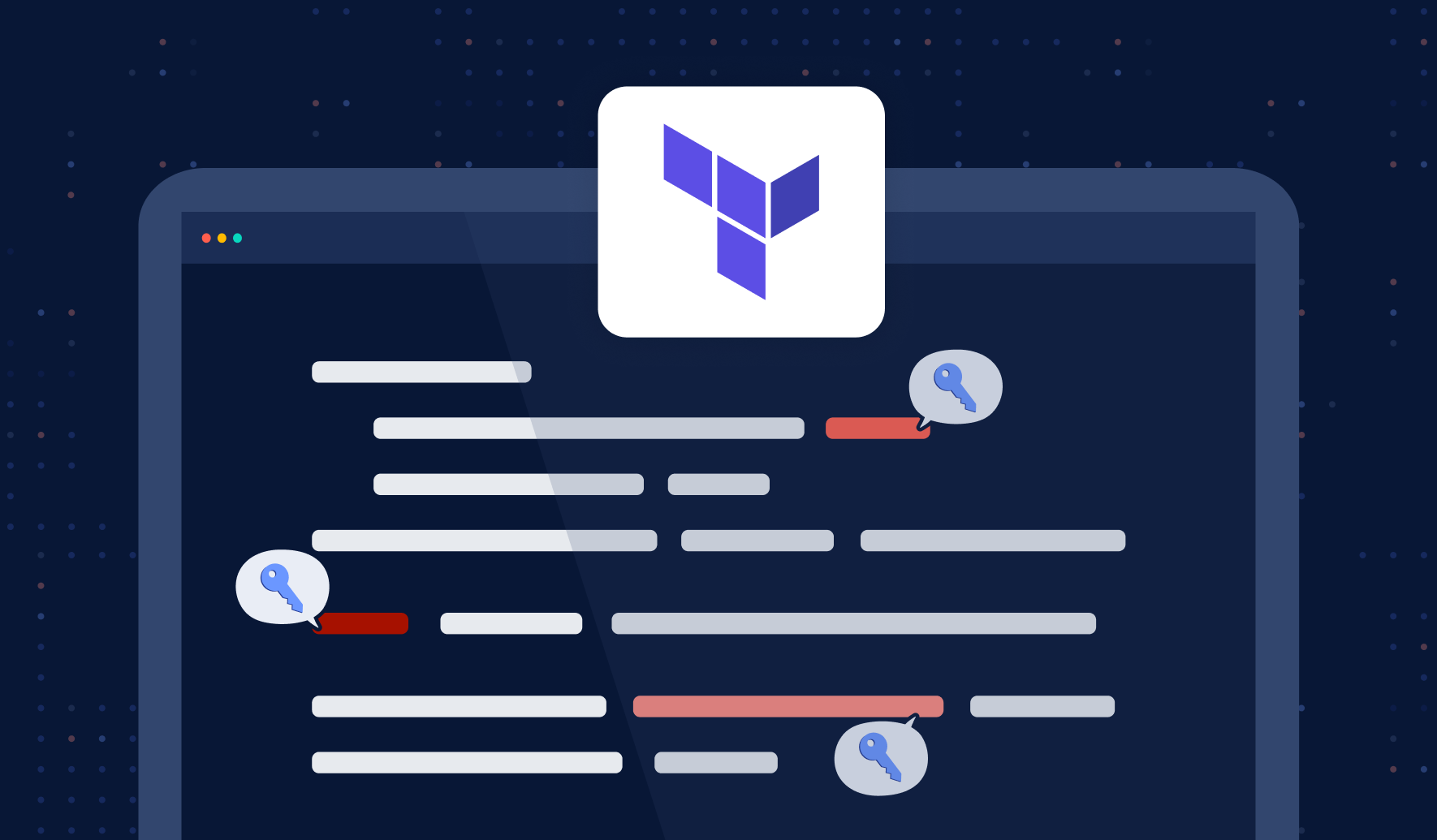
In today's fast-paced world of cloud computing and infrastructure as code (IaC), efficiently managing your resources and keeping them secure has become crucial. Terraform, an open-source infrastructure as a code tool, is widely used by DevOps teams to provision and manage cloud infrastructure. While Terraform provides a powerful, flexible, and easy-to-use platform, it also poses certain challenges when it comes to managing sensitive information, such as API keys, passwords, and other secrets.
Proper management of secrets is essential to maintaining the security and integrity of your infrastructure. Inadequate handling of secrets can lead to disastrous consequences, including unauthorized access, data breaches, and regulatory non-compliance.
This blog post aims to provide a comprehensive guide on secrets management in Terraform, offering insights into best practices, tools, and techniques to help you protect your infrastructure and keep your secrets safe.
Prerequisites
Before diving into the depths of secrets management in Terraform, it's important to ensure that you have the necessary foundation to build upon. The following prerequisites will help you get the most out of this guide:
- Basic understanding of Terraform: Having a fundamental knowledge of Terraform and its core concepts, such as providers, resources, and modules. You can start here:
 Guest Expert
- Installed Terraform: To follow along with this guide and try out the examples provided, make sure you have Terraform installed on your local machine.
- Access to a cloud provider account: Having access to a cloud provider's account, such as AWS, Azure, or Google Cloud Platform, will enable you to put the concepts and strategies discussed in this guide into practice.
- Familiarity with basic security concepts: Understanding the fundamentals of information security, such as encryption, access control, and authentication. Here is an introduction to Identity and Access Management.
Understanding Secrets Management
Secrets refer to sensitive information such as API keys, passwords, access tokens, and encryption keys, which require restricted access to maintain the security and integrity of your infrastructure. Properly managing secrets is crucial to prevent unauthorized access and minimize potential security risks.
Types of Secrets in Terraform
In the context of Terraform, secrets can be classified into various types, such as:
- API keys used for authentication with cloud providers and other services
- Database credentials like usernames and passwords
- SSH keys for secure server access
Risks of not managing secrets properly
Inadequate secrets management can lead to several potential risks, including:
- Compliance violations: Many industries are subject to strict regulations regarding the handling of sensitive information, and failing to manage secrets properly can lead to hefty fines and reputational damage.
- Unauthorized access: Improperly managed secrets can allow unauthorized individuals to access sensitive resources, resulting in data leakage and potential security violations.
- Security breaches: Exposed secrets can be exploited by attackers to steal or tamper with data or even to completely compromise entire systems.
Understanding these risks underscores the importance of implementing effective secrets management practices in your Terraform deployments.
Also Read: Security in Infrastructure as Code with Terraform
Best Practices for Managing Secrets in Terraform
Managing secrets securely in Terraform is crucial to protect sensitive information and prevent unauthorized access. In this section, we will discuss several best practices for handling secrets in Terraform, including using environment variables, storing secrets in secure external storage, and encrypting sensitive data.
Use environment variables
Storing secrets as environment variables keeps them out of your Terraform code and version control systems. Environment variables can be easily accessed in Terraform using the var keyword. For example, to set up an AWS provider using an API key stored as an environment variable:
variable "aws_access_key" {}

provider "aws" {
	access_key = var.aws_access_key
	region     = "us-west-2"
}
To set the environment variable, use the export command in your terminal:
export TF_VAR_aws_access_key=<your_access_key>
Store Secrets in a Secure External Storage
Instead of storing secrets directly in your Terraform code or environment variables, consider using a secure external storage service designed for secrets management, such as HashiCorp Vault or AWS Secrets Manager. These services provide advanced features like access control, auditing, and automatic rotation of secrets. In the following sections, we will discuss integrating Terraform with Vault and AWS Secrets Manager in more detail.
Encrypt sensitive data
When storing secrets in remote backends or transferring them over the network, ensure they are encrypted. Many cloud providers offer Key Management Services (KMS) to encrypt and decrypt data. For instance, with AWS KMS, you can encrypt sensitive data using the aws_kms_secrets data source:
data "aws_kms_secrets" "example" {
  secret {
    name    = "db_username"
    payload = "your_encrypted_db_username_here"
  }

  secret {
    name    = "db_password"
    payload = "your_encrypted_db_password_here"
  }
}

resource "aws_db_instance" "example" {
  # ...

  username = data.aws_kms_secrets.example.plaintext["db_username"]
  password = data.aws_kms_secrets.example.plaintext["db_password"]
}
Terraform State File Security and Encryption
Terraform state files contain sensitive information about your infrastructure, including secrets that may be stored in plaintext. When managing Terraform secrets, securing your state files is as critical as protecting the secrets themselves. State files can inadvertently expose API keys, database passwords, and other sensitive data through their detailed resource configurations.
To protect state files containing Terraform secrets, implement encryption both at rest and in transit. Use remote backends like AWS S3 with server-side encryption enabled, or Azure Storage with encryption keys managed through Azure Key Vault. Configure your backend with proper access controls using IAM policies that follow the principle of least privilege. For example, when using S3 as a backend, enable versioning and MFA delete protection to prevent unauthorized modifications.
Additionally, consider using Terraform's sensitive attribute for variables and outputs to prevent secrets from appearing in logs and console output. This approach ensures that even if state files are accessed, the most critical Terraform secrets remain protected through multiple layers of security controls.
Utilizing Secrets Management Tools
Secret management tools can significantly enhance the security of your Terraform deployments by providing centralized, secure storage for sensitive information. Here we will discuss various secret management tools and provide step-by-step instructions for integrating them with Terraform.
Overview of secrets management tools
There are several secrets management tools available, each offering different features and levels of integration with Terraform. Some popular options include:
- HashiCorp Vault: A comprehensive secrets management solution designed to handle a wide range of secret types, with tight integration with Terraform.
- AWS Secrets Manager: A managed service provided by AWS that offers seamless integration with other AWS services and Terraform.
Integrating Terraform with Vault
HashiCorp Vault is a widely-used secret management solution that allows you to store, manage, and access secrets securely. To integrate Terraform with Vault, follow these steps:
1. Install and configure Vault: Follow the official Vault documentation to install and set up Vault on your local machine or a dedicated server.
2. Enable the kv secrets engine in Vault: Run the following command which allows you to store key-value pairs:
vault secrets enable -path=my-secrets kv
3. Write secrets to Vault: Store your secrets in Vault using the following:
vault kv put my-secrets/aws aws_access_key_id=<your_access_key> aws_secret_access_key=<your_secret_key>
4. Configure the Terraform Vault provider: In your Terraform configuration, set up the Vault provider and authenticate using a token or other supported authentication methods:
provider "vault" {
  address = "https://vault.example.com:8200"
  token   = "<your_vault_token>"
}
5. Access secrets from Vault in Terraform: Use the vault_generic_secretdata source to read secrets from Vault:
data "vault_generic_secret" "aws_credentials" {
  path = "my-secrets/aws"
}

provider "aws" {
  access_key = data.vault_generic_secret.aws_credentials.data["aws_access_key_id"]
  secret_key = data.vault_generic_secret.aws_credentials.data["aws_secret_access_key"]
  region     = "us-west-2"
}
Integrating Terraform with AWS Secrets Manager
AWS Secrets Manager is a managed service that helps you protect access to your applications, services, and IT resources. To integrate Terraform with AWS Secrets Manager, follow these steps:
1. Store secrets in AWS Secrets Manager: Log in to the AWS Management Console, navigate to Secrets Manager, and create a new secret containing your sensitive data (e.g., API keys and database credentials).
2. Configure the Terraform AWS provider: In your Terraform configuration, set up the AWS provider with the appropriate credentials:
provider "aws" {
  region = "us-west-2"
}
3. Access secrets from AWS Secrets Manager in Terraform: Use the aws_secretsmanager_secret_version data source to read secrets:
data "aws_secretsmanager_secret_version" "example" {
  secret_id = "arn:aws:secretsmanager:us-west-2:123456789012:secret:example-123456"
}

locals {
  example_secret = jsondecode(data.aws_secretsmanager_secret_version.example.secret_string)
}
You can now use the local.example_secret variable to access the stored secret as a JSON object. For example, if your secret contains a database username and password, you can reference them like this:
resource "aws_db_instance" "example" {
  # ...
  username = local.example_secret["db_username"]
  password = local.example_secret["db_password"]
}
Advanced Secrets Management with Terraform 1.10+ Features
Recent Terraform versions introduce enhanced capabilities for managing secrets, including ephemeral values and improved provider authentication mechanisms. Terraform 1.10+ includes ephemeral values that exist only during the planning and apply phases and never persist to state files. This feature is particularly valuable for short-lived credentials and temporary access tokens.
Leverage the new ephemeral block to handle sensitive data that doesn't need to persist beyond the current operation. For instance, when retrieving temporary credentials from AWS STS or generating short-lived database passwords, ephemeral values ensure these Terraform secrets are automatically cleaned up after use.
Modern Terraform also supports improved OIDC (OpenID Connect) integration with cloud providers, eliminating the need for long-lived access keys. Configure your AWS provider to use OIDC with GitHub Actions or other CI/CD platforms, allowing Terraform to authenticate using temporary credentials issued by your identity provider. This approach significantly reduces the attack surface by eliminating static Terraform credentials for the AWS Secrets Manager from your infrastructure code and CI/CD pipelines.
Implementing Role-Based Access Control (RBAC) in Terraform
Role-Based Access Control (RBAC) is an effective approach to managing access to sensitive information in your Terraform deployments, allowing you to grant permissions based on roles and responsibilities. In this section, we will discuss the fundamentals of RBAC and provide guidance on configuring RBAC in Terraform.
Understanding RBAC
RBAC is a security model that assigns permissions to users based on their roles within an organization instead of assigning permissions directly to individual users. This approach simplifies access management and improves security by ensuring that users only have the permissions they need to perform their job functions. The main components of RBAC are:
- Roles: Collections of permissions that define what actions users can perform on specific resources.
- Users: Individuals or entities that interact with the system and are assigned roles based on their responsibilities.
- Permissions: Access rights that determine what actions can be performed on specific resources.
As you guessed, implementing RBAC in Terraform involves defining roles, assigning them to users, and managing permissions for accessing sensitive data, such as secrets.
Configuring RBAC in Terraform
To configure RBAC in Terraform, you can leverage features provided by your cloud provider, secret management tool, or Terraform Enterprise. The following example demonstrates how to configure RBAC using HashiCorp Vault:
1. Create policies in Vault: Define Vault policies that outline the permissions for each role. For example, you can create a policy that allows read access to a specific path within Vault:
# read-only-policy.hcl

path "my-secrets/data/*" {
  capabilities = ["read"]
}
To write the policy to Vault, use the vault policy write command:
vault policy write read-only read-only-policy.hcl
2. Assign policies to users: After creating the necessary policies, assign them to users by attaching the policy to an authentication method or a specific user:
vault write auth/userpass/users/john password="johnspassword" policies="read-only"
3. Access secrets in Terraform based on RBAC: Users can now access secrets in Terraform according to their assigned policies. For example, a user with the "read-only" policy can read secrets from the "my-secrets" path:
provider "vault" {
  address = "https://vault.example.com:8200"
  token   = "<user_vault_token>"
}

data "vault_generic_secret" "aws_credentials" {
  path = "my-secrets/aws"
}
By implementing RBAC in Terraform, you can ensure that users only have access to the secrets they need, minimizing the risk of unauthorized access and improving overall security.
Secrets Scanning and Detection in Terraform Workflows
Implementing automated secrets detection in your Terraform development lifecycle prevents Terraform secrets from being committed to version control systems. GitGuardian's ggshield CLI tool provides comprehensive scanning capabilities designed explicitly for Infrastructure as Code, including Terraform configurations and modules.
Integrate ggshield as a pre-commit hook to scan Terraform files before they reach your repository. The tool detects over 350 types of secrets, including cloud provider credentials, database connection strings, and API keys commonly used in Terraform AWS secrets manager configurations. Configure ggshield to scan both your .tf files and any variable files (.tfvars) that might contain sensitive information.
For CI/CD pipelines, implement ggshield scanning at multiple stages: during pull request validation, before Terraform plan execution, and as part of your deployment pipeline. This multi-layered approach ensures that Terraform secrets are caught early in the development process, reducing the risk of exposure in production environments. Configure custom policies to handle organization-specific secret patterns and integrate with your existing security workflows for comprehensive Terraform secrets management.
Continuous Monitoring and Auditing
Continuous monitoring and auditing play a crucial role in secrets management, as they help identify potential security vulnerabilities, unauthorized access, and policy violations. In this section, we will introduce some tools that can assist in tracking Terraform secrets.
Tools for Monitoring and Auditing Terraform Secrets
There are several tools available that can help you monitor and audit Terraform secrets, including:
- Cloud provider tools: Many cloud providers offer monitoring and auditing services, such as AWS CloudTrail, Azure Monitor, and Google Cloud's Stackdriver. These tools can track changes in your cloud resources and provide logs for analysis.
- HashiCorp Vault: Vault includes built-in auditing capabilities, allowing you to track and log all access and modifications to secrets stored in Vault.
- GitGuardian: GitGuardian is a powerful secrets detection tool that can automatically scan your code repositories for exposed secrets, including those in Terraform configurations. By integrating GitGuardian into your development workflow, you can identify and remediate exposed secrets early in the development process.
By implementing continuous monitoring and auditing in your Terraform deployments, you can enhance the security of your secrets management strategy and reduce the likelihood of unauthorized access or data breaches.
Conclusion
Managing secrets in Terraform is a critical aspect of ensuring the security and integrity of your infrastructure deployments. By following best practices such as using environment variables, storing secrets in secure external storage, and implementing Role-Based Access Control (RBAC), you can significantly reduce the risks associated with handling sensitive information.
Additionally, leveraging secret management tools like HashiCorp Vault and AWS Secrets Manager can provide advanced features that further enhance security.
Continuous monitoring and auditing, using tools like GitGuardian and its CLI tool ggshield, are essential in maintaining a secure environment and identifying potential vulnerabilities. The ggshield CLI allows developers, Site Reliability Engineers, and DevOps Engineers to scan Infrastructure as Code (IaC) configurations from the command line, helping to prevent misconfigurations from being deployed.
By adopting these practices and tools, especially integrating ggshield as a pre-commit check or CI pipeline integration, you can establish a robust secrets management strategy in Terraform, protecting your sensitive data and ensuring the security of your infrastructure deployments.
Learn how to use ggshield as a git hook with these resources:
Mackenzie Jackson
FAQs
How should organizations securely manage Terraform secrets to prevent accidental exposure?
Organizations should avoid hardcoding secrets in Terraform code or state files. Use environment variables, external secret managers such as HashiCorp Vault or AWS Secrets Manager, and ensure state files are encrypted at rest and in transit. Enforce least-privilege IAM access and use Terraform’s sensitive attribute to prevent secrets from appearing in logs or output.
What are the best practices for securing Terraform state files containing sensitive data?
Store Terraform state files in secure remote backends with encryption enabled—for example, AWS S3 with SSE or Azure Storage with Key Vault integration. Enable versioning and MFA delete, restrict IAM permissions with least privilege, never commit state files to version control, and regularly audit access while rotating credentials as needed.
How can we integrate secrets management tools like Vault or AWS Secrets Manager with Terraform?
Integrate HashiCorp Vault using the Vault provider and vault_generic_secret data sources, authenticating securely via tokens or other supported methods. For AWS Secrets Manager, use aws_secretsmanager_secret_version to retrieve secrets at apply time. Always follow provider documentation to avoid exposing secrets in state files or logs.
What new features in Terraform 1.10+ improve secrets handling?
Terraform 1.10+ introduces ephemeral values that exist only during plan/apply, preventing secrets from persisting in state files. Enhanced OIDC authentication support enables secure, short-lived credentials instead of static keys. These improvements significantly reduce accidental exposure risks in dynamic environments.
How can automated secrets detection be implemented in Terraform workflows?
Incorporate tools like GitGuardian’s ggshield as pre-commit hooks or CI/CD pipeline scanners. These tools detect over 350 types of secrets, preventing sensitive data from being committed to version control and reducing the likelihood of Terraform-related credential exposures.
What role does RBAC play in securing secrets within Terraform deployments?
RBAC enforces least-privilege access by assigning permissions based on user or service roles. In Terraform, RBAC is applied through IAM policies, secret manager access policies, or Vault policies, ensuring that only authorized identities can read or use specific secrets. This reduces the attack surface and supports compliance requirements.
This article is a guest post. Views and opinions expressed in this publication are solely those of the author and do not reflect the official policy, position, or views of GitGuardian, The content is provided for informational purposes, GitGuardian assumes no responsibility for any errors, omissions, or outcomes resulting from the use of this information. Should you have any enquiry with regard to the content, please contact the author directly.